

في هذا المقال
LibreOffice Download 2026: Free Office Suite for Windows, Mac and Linux
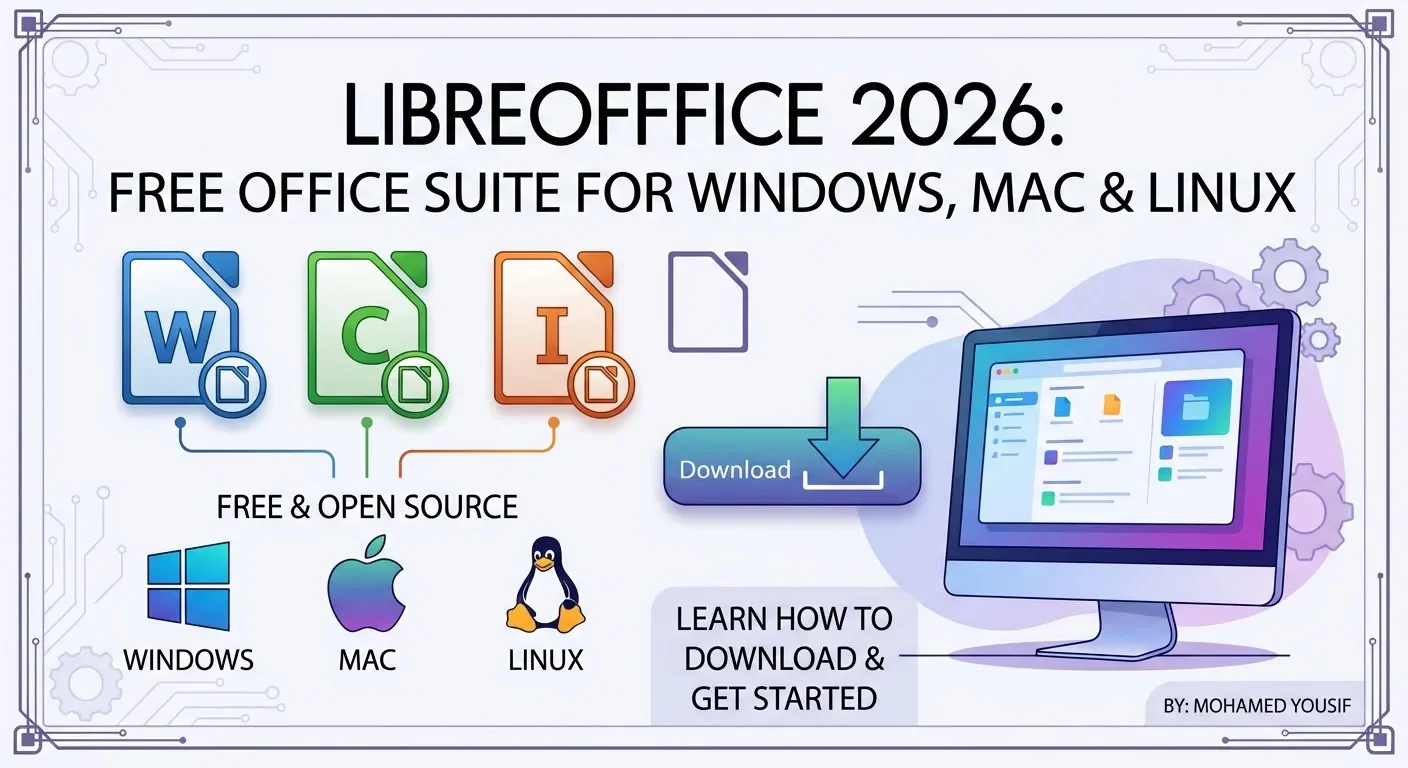
Looking for a free office suite for your computer? **LibreOffice** is a free, open-source productivity suite that lets you create documents, spreadsheets, presentations, drawings and more without requiring a Microsoft 365 subscription.
You can download LibreOffice directly from its official website for Windows, macOS and Linux. This guide explains how to choose the correct version, install the software and understand the main features before downloading it.
Download LibreOffice for Free
The safest way to get LibreOffice is through the official website. The download page provides installers for supported operating systems and processor types.
**[Download LibreOffice from the Official Website](https://www.libreoffice.org/download/)**
Before downloading, check your computer's operating system and choose the matching package. Avoid unofficial download sites that may bundle installers with unwanted software.
What Is LibreOffice?
LibreOffice is a free and open-source office suite developed by The Document Foundation and its community. It includes several applications for everyday work, education and personal projects.
The suite includes:
* **Writer:** Create and edit text documents, letters, reports and assignments.
* **Calc:** Work with spreadsheets, tables, formulas and data.
* **Impress:** Create presentations and slide shows.
* **Draw:** Make diagrams, flowcharts and other drawings.
* **Base:** Work with supported database systems.
* **Math:** Create and edit mathematical formulas.
These applications make LibreOffice useful for students, home users, freelancers and people who need office tools without paying for a subscription.
Which LibreOffice Version Should You Download?
The correct download depends on your operating system and processor. The official website lists the available packages and provides installation instructions.
### LibreOffice for Windows
Windows users should select the installer that matches their system.
* **Windows x86-64:** Usually the appropriate choice for modern 64-bit Windows computers using Intel or AMD processors.
* **Windows ARM64:** Intended for compatible Windows devices with ARM-based processors.
* **Windows 32-bit:** Availability may be limited or marked as deprecated for newer releases.
If you are unsure which version your computer uses, open Windows Settings and check **System → About → System type** before choosing a package.
LibreOffice for macOS
Mac users should select the version that matches their processor.
* **Apple Silicon:** For compatible Macs with Apple M-series chips.
* **Intel:** For compatible Macs with Intel processors.
Check your Mac's information under the Apple menu if you are unsure which processor it uses. Follow the official installation instructions after downloading the package.
LibreOffice for Linux
LibreOffice is also available for Linux. Depending on your distribution, the official download page may offer packages such as DEB or RPM, along with options for supported processor architectures.
You can also check your Linux distribution's software repository to see whether LibreOffice is available through its package manager.
How to Install LibreOffice on Windows
After downloading the appropriate installer, follow these steps:
1. Open the downloaded installation file.
2. Approve the installation prompt if Windows asks for permission.
3. Follow the instructions displayed by the installation wizard.
4. Keep the default options unless you have a specific reason to change them.
5. Finish the installation and open LibreOffice from the Start menu.
Only download the installer from the official LibreOffice website to reduce the risk of installing modified or unwanted software.
What Can You Do With LibreOffice?
LibreOffice supports many common office tasks.
### Create Documents
Writer can be used to prepare letters, reports, school assignments and other text documents. It supports common document workflows, including formatting paragraphs, inserting images and creating tables.
Work With Spreadsheets
Calc lets you organize data, use formulas, create tables and prepare charts. It can be useful for personal budgets, lists, calculations and other spreadsheet tasks.
Make Presentations
Impress helps users create slides for school, work and personal projects. You can organize information across slides and add visual elements to support your presentation.
Open and Save Office Files
LibreOffice supports common Microsoft Office file formats, including DOCX, XLSX and PPTX, as well as OpenDocument formats.
However, compatibility is not perfect in every situation. Complex documents, advanced formatting, macros and specialized features may look or behave differently when opened in another office suite. If you regularly share important files with Microsoft Office users, review the document after opening or saving it.
Is LibreOffice Completely Free?
LibreOffice is free and open-source software. You can download it from the official website without purchasing a Microsoft 365 subscription.
The project accepts donations to help support its development and community work, but a donation is not required to download the software.
Remember that LibreOffice is separate from Microsoft Office. It provides many similar productivity tools, but the applications and some features are different.
What Is New in LibreOffice 26.8?
The LibreOffice 26.8 series introduced improvements across its office applications, including changes related to document handling, compatibility, performance and functionality.
The exact features available depend on the release you install. Read the official release notes to see the changes and known issues for your version.
The Document Foundation reported that the LibreOffice 26.8 series recorded more than 9.4 million downloads between August 24 and October 18, 2026. This figure reflects downloads reported by the project during that period; it does not represent the number of unique users.
For the current stable version and its release details, use the official download page and project announcements linked in the sources below.
Frequently Asked Questions
Where can I download LibreOffice safely?
Download it from the official website: [libreoffice.org/download](https://www.libreoffice.org/download/). This is the recommended source for installers.
Does LibreOffice work on Windows 11?
LibreOffice offers Windows installers. Check the official download page and system requirements to confirm compatibility with your Windows version and processor.
Can I use LibreOffice without the internet?
After installation, many core features, such as editing documents and working with spreadsheets, can be used offline. Internet access may still be needed for downloading the software, updates and online services.
Can LibreOffice open Word and Excel files?
It supports common Microsoft Office formats, including DOCX and XLSX. Some complex formatting or advanced features may not transfer perfectly, so check important files after opening them.
Is LibreOffice the same as Microsoft Office?
No. LibreOffice is a separate office suite. It offers similar types of applications, but its interface, features and compatibility can differ from Microsoft Office.
Official Download and Sources
Use these official resources to download LibreOffice and verify the information in this article.
1. **Official download page:** [Download LibreOffice](https://www.libreoffice.org/download/)
2. **Installation instructions:** [Install LibreOffice](https://www.libreoffice.org/installation-instructions/)
3. **Release announcement:** [LibreOffice 26.8.1 Available](https://blog.documentfoundation.org/blog/2026/10/08/lo-26-8-1-available-at-last/)
4. **Release information:** [LibreOffice 26.8](https://blog.documentfoundation.org/blog/2026/08/26/libreoffice-26-8/)
5. **Download statistics:** [9.4 Million Downloads in Eight Weeks](https://blog.documentfoundation.org/blog/2026/10/21/8-weeks-9-4-million-downloads/)
Conclusion
LibreOffice is a practical option for people who need a free office suite for documents, spreadsheets and presentations. It supports Windows, macOS and Linux, with different installers available for supported systems.
To get the software safely, visit the official LibreOffice download page, choose the version that matches your computer and follow the installation instructions.
**By Mohamed Yousif**
تابع جديد محمد يوسف احمد محمد
اختر إشعارات الموقع أو البريد أو الاثنين. الزائر يقدر يشترك ببريده دون تسجيل حساب.
الإبلاغ عن المقال
لو لاحظت مشكلة في المحتوى، أرسلها لفريق المراجعة. لن تظهر بياناتك لكاتب المقال أو للقراء.
تعذّر إرسال البلاغ الآن. حاول مرة أخرى لاحقًا.
سجّل الدخول لإرسال بلاغ







النقاش
التعليقات (0)
فكرة تضيفها، أو سؤال يفتح حوارًا.
الرجاء تسجيل الدخول لتتمكن من التعليق