


In this article
What Is the Difference Between RAM and Storage? A Simple Guide for Phone and Computer Users
Have you ever wondered why your phone needs both RAM and storage space? Although they are both important for a device's performance, they serve completely different purposes. Understanding the difference can help you choose the right phone or computer for your needs.
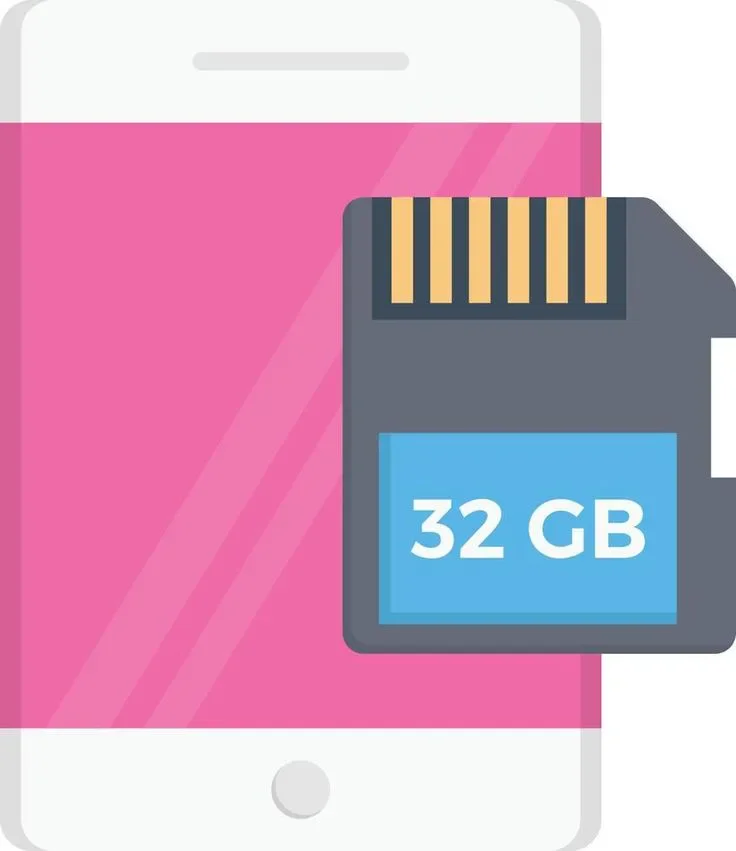

First: What Is RAM?
RAM stands for Random Access Memory. It temporarily holds the data that your device needs while running apps and programs. You can think of it as a workspace that helps your device handle its current tasks.
For example, when you open a web browser and then switch to another app, RAM helps your device keep the data needed to run those apps and return to them. If there is not enough available RAM for your current tasks, your device may need to reload some apps or close them in the background.
It is important to remember that RAM is temporary memory. When you turn off your device, its contents are not preserved in the same way as files stored in permanent storage.
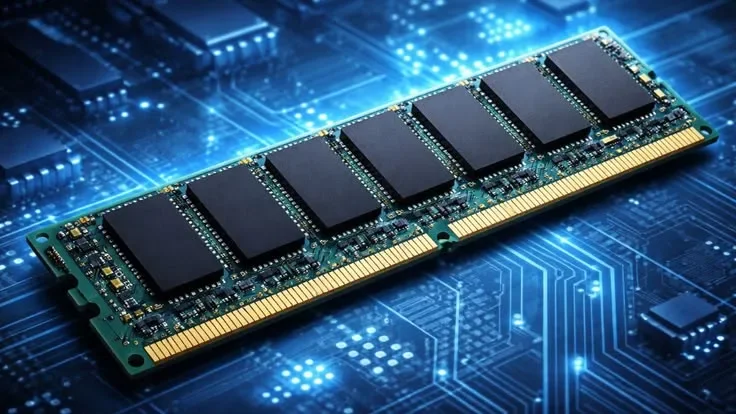
Second: What Is Storage?
Storage is where your device keeps files, apps, and other data even after you turn it off.
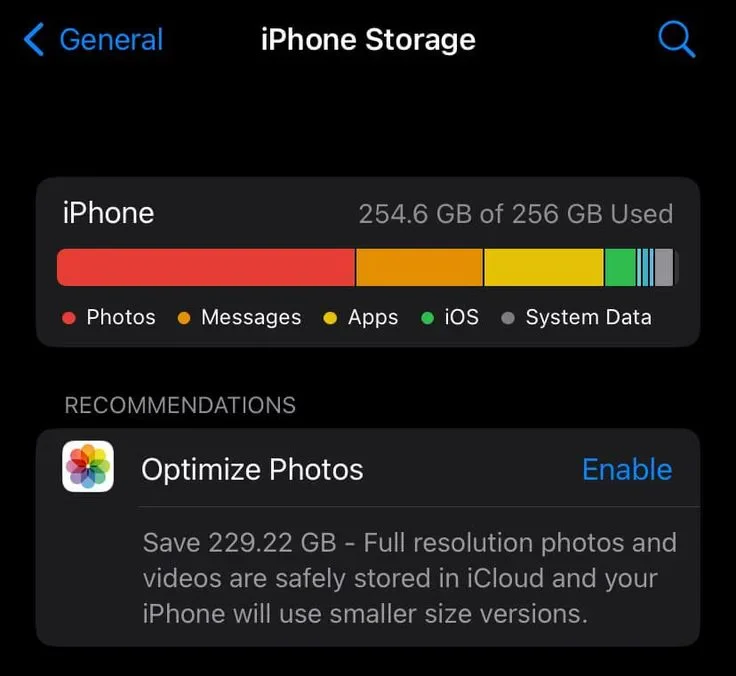
These files include photos, videos, documents, games, and installed apps, as well as system files. Storage capacity varies between devices. For example, you may find a phone with 64 GB of storage and another with 128 GB or 256 GB.
When your storage becomes full, you may have trouble downloading new apps, taking more photos, or recording videos. Your device may also display a message asking you to free up some space.
Third: What Is the Main Difference Between RAM and Storage?
The main difference is that RAM helps your device handle tasks currently in progress, while storage keeps your files and data for the long term.
Imagine that you are playing a large game on your phone. The game needs storage space for installation and its files, but it also needs RAM to load the data it uses while you play.
That is why having more storage cannot replace having enough RAM. Each one has a different role.
Fourth: What Happens When RAM or Storage Is Not Enough?
**When there is not enough RAM:** You may notice that apps reload when you switch between them or that performance slows down when several apps are running. The exact effect also depends on the processor, operating system, and apps you use.
**When storage is almost full:** You may be unable to install new apps or save additional files. Performance can also be affected in some situations when very little free space remains.
These are two different problems, so it is important to identify which one your device is experiencing before trying to fix it.
Fifth: Which Is More Important When Buying a New Phone?
There is no single answer for everyone. The right choice depends on how you use your device and how much you want to spend.
If you keep lots of photos, videos, and games, you may need more storage. On the other hand, if you frequently switch between apps or play demanding games, RAM capacity may also be an important factor.
It is best to consider the device's overall specifications, including its processor, storage type, and software efficiency, rather than focusing on just one number.
Conclusion
RAM and storage are two different but complementary parts of a device. RAM helps it handle current tasks, while storage keeps apps and files for the long term. Understanding the difference makes it easier to choose a phone or computer and focus on the specifications you actually need instead of paying for capacity you may never use.
Keep up with Ahmad reda
Choose site notifications, email, or both. Guests can subscribe by email without an account.
Report this article
Tell our review team about a problem with this content. Your details will not be shown to the author or other readers.
Your report could not be sent. Please try again later.
Sign in to report an article





Discussion
comments (0)
Share a perspective. Start a thoughtful conversation.
please login to be able to comment