How to Make Faceless Short Videos with AI
What is a faceless video?
A faceless video is a short vertical clip built from narration and visuals instead of a creator on camera. The format spread quickly on TikTok, Reels and Shorts because it allows daily publishing with no filming and no equipment.
The idea is simple: a well written script, a clear voice, captions on screen, and matching background footage. The rest is execution.
Step one: the script
Start from one specific topic and keep the script under 120 words, because a good vertical video runs 30 to 60 seconds. The first sentence matters most: the first 1.5 seconds decide whether the viewer stays. Write five different openings and keep the strongest one.
Step two: the voiceover
Turn the script into audio with a text to speech tool. What matters here is not only voice quality but word level timing, because you need it to sync the captions. Without that timing the words appear late and the whole video looks amateur.
Step three: captions
Captions carry half the perceived quality of a short video. Show two to four words at a time, centered, in a large font with a hard outline so they stay readable over any background, and burn them into the video rather than shipping a separate subtitle file.
Step four: editing and export
The target size is 1080 by 1920 pixels. Crop footage to vertical without stretching it, and normalise loudness between the narration and the music. Inconsistent loudness is one of the most common reasons a faceless video sounds unprofessional.

Tools that save you the work
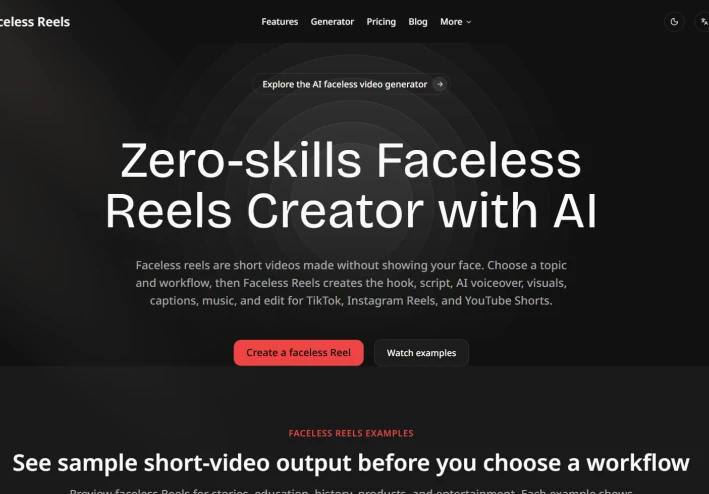
Doing all four stages by hand is possible, but it costs real time on every single video. There are now platforms that run the whole chain automatically: you type a topic and get back a ready to post video with script, AI voiceover, captions and music. Faceless Reels is one of them, and it ships ready made templates for stories, history and doodle explainers instead of starting from an empty editor.
Either way the principle is the same: four stages, and the real quality lives in the timing between voice and text.
Choosing the background footage
The visuals do not need to be original. Most faceless channels use stock clips, simple motion backgrounds, gameplay footage or generated images. What matters is that the footage changes every three to five seconds so the eye keeps moving, and that it never competes with the captions for attention. Dark or low contrast footage works best under white text with a black outline.
Publishing rhythm
One excellent video per week loses to five average videos per week in this format, because the algorithm needs volume before it can find your audience. This is the real reason the pipeline matters: if a single video costs you four hours you will not sustain it, but if it costs twenty minutes you will.
Common mistakes to avoid
Three mistakes account for most weak faceless videos: a hook that explains instead of provoking curiosity, captions that lag behind the audio by a few frames, and background music mixed at the same level as the narration. Fixing those three alone puts the result ahead of most of what gets published every day.
Start with one topic you already know well, run the four stages manually once so you can see where quality is lost, and only then decide whether to keep doing it by hand or to hand the repetitive part to a tool.