How to Give Professional Prompts to AI Tools and Get Better Results
How to Give Professional Prompts to AI Tools and Get Better Results
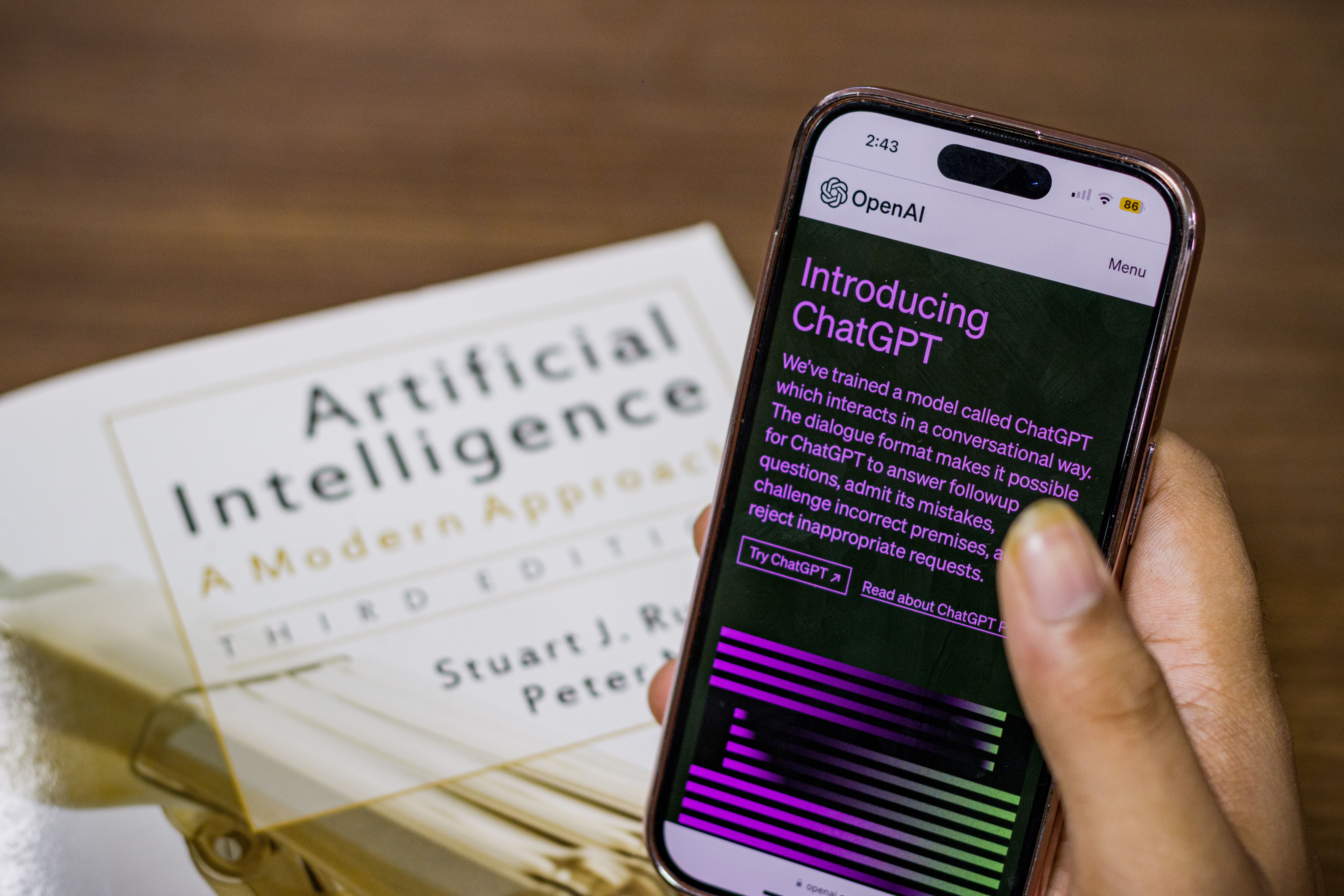
Artificial Intelligence has become one of the most powerful technologies available today. Whether you use AI for writing articles, creating images, designing digital products, generating videos, coding, marketing, or managing a business, the quality of the results you receive depends heavily on the instructions you provide.
Many people try AI tools for the first time and feel disappointed by the results. They assume the tool is not good enough, but in reality, the problem is often the prompt itself. A prompt is simply the instruction you give to an AI system. The better your prompt, the better your results will be.
✨ Think of AI as a highly skilled assistant. If your instructions are vague, the output will be vague. If your instructions are clear and detailed, the output will be far more accurate and useful.
Understanding how to write professional prompts is one of the most valuable skills in the AI era. It can save time, improve productivity, and help you create higher-quality work.
What Is a Prompt?
A prompt is any instruction, question, or command that you give to an AI tool.
For example:
❌ Write an article about marketing.
This prompt is very broad.
A better version would be:
✅ Write a 1,000-word article about Pinterest marketing for beginners. Include practical examples, step-by-step guidance, and actionable tips.
Notice how much more information the second prompt provides.
The AI now understands:
- The topic.
- The target audience.
- The article length.
- The desired style.
- Additional requirements.
As a result, the output will usually be much better.
Why Prompt Quality Matters
Many users believe AI magically understands exactly what they want.
Unfortunately, that is not always true.
AI systems generate responses based on the information they receive. If the prompt lacks important details, the tool must make assumptions.
📌 Better prompts reduce guessing.
📌 Better prompts improve accuracy.
📌 Better prompts save time.
📌 Better prompts produce more professional results.
Learning prompt writing is similar to learning communication skills. The clearer you communicate, the better the outcome.
The Golden Rule: Be Specific
One of the biggest mistakes beginners make is being too vague.
Consider this example:
❌ Create a nice image.
What does "nice" mean?
Does it mean colorful?
Professional?
Minimalist?
Modern?
The AI has no way of knowing.
Instead, try:
✅ Create a Pinterest image about making money online. Use a modern design style, blue and white colors, bold typography, and a clean professional layout.
The second prompt gives the AI clear direction.
🔥 Specific instructions create specific results.
Assign a Role to the AI
One of the most effective prompt techniques is role assignment.
Before giving the task, tell the AI who it should act as.
Examples:
📌 Act as a professional content writer with 15 years of experience.
📌 Act as an experienced digital marketer.
📌 Act as a graphic designer specializing in social media content.
📌 Act as a business consultant.
Role assignment helps the AI generate responses that align more closely with the expertise you want.
For example:
“Act as a professional SEO writer and write a blog article about affiliate marketing.”
This often produces better results than simply saying:
“Write about affiliate marketing.”
Define Your Target Audience
Different audiences require different communication styles.
A beginner needs simple explanations.
An expert may need advanced information.
A business owner may want strategic advice.
For example:
❌ Explain affiliate marketing.
✅ Explain affiliate marketing to a complete beginner using simple language and practical examples.
The second prompt is far more useful because it identifies the audience.
✨ The more clearly you define your audience, the more relevant the response becomes.
Specify the Desired Format
Never assume the AI knows how you want the information presented.
Tell it exactly what format you need.
Possible formats include:
- Blog article
- Table
- Checklist
- Step-by-step guide
- Social media post
- Presentation outline
- Business report
Example:
✅ Create a 30-day Canva learning plan in table format.
This instruction leaves little room for confusion.
Include Important Details
The more useful context you provide, the better the output will be.
Imagine hiring a freelancer.
Would you simply say:
“Make something good.”
Of course not.
You would provide instructions, goals, and expectations.
The same principle applies to AI.
Helpful details include:
🎯 Word count.
🎯 Tone of voice.
🎯 Target audience.
🎯 Purpose.
🎯 Desired outcome.
🎯 Style preferences.
These details help the AI understand your vision.
Use Examples Whenever Possible
Examples are extremely powerful.
They show the AI exactly what you want.
For instance:
"I like titles such as:
How to Make Your First Dollar Online in 30 Days.
Generate 10 similar blog titles."
Providing an example reduces ambiguity and improves accuracy.
💡 Examples act like a blueprint for the AI.
Request Improvements and Revisions
Many people accept the first response they receive.
Professional users rarely do that.
Instead, they continue refining the output.
You can ask the AI to:
✨ Make the text more professional.
✨ Add practical examples.
✨ Simplify the language.
✨ Improve SEO optimization.
✨ Rewrite for a different audience.
✨ Shorten the content.
✨ Expand specific sections.
Think of prompting as a conversation, not a one-time command.
The best results often come after several rounds of refinement.
The Professional Prompt Formula
A simple prompt structure can dramatically improve results.
Use this framework:
Role
Who should the AI act as?
Task
What should it do?
Topic
What is the subject?
Audience
Who is the content for?
Format
How should it be organized?
Style
What tone should it use?
Requirements
Any additional instructions?
Example:
Act as a professional content writer.
Write a 1,000-word article about making money with Pinterest.
The audience is beginners.
Use a friendly and informative tone.
Include practical examples, headings, and actionable tips.
This structure works for almost any AI tool.
Professional Prompts for Writing Articles
Example:
“Act as an experienced content writer with 15 years of experience. Write a 1,000-word article about Canva side hustles for beginners. Use a human-like writing style, clear headings, practical examples, and SEO-friendly formatting.”
This prompt provides:
✅ A role.
✅ A topic.
✅ A target audience.
✅ A word count.
✅ Formatting instructions.
The result is usually much more professional.
Professional Prompts for Image Generation
AI image tools perform best when prompts are detailed.
Example:
“Create a Pinterest pin about affiliate marketing. Use modern typography, vibrant colors, a professional layout, and a clear headline. Design it for maximum click-through rates.”
This prompt tells the AI exactly what type of image is needed.
Professional Prompts for Digital Product Creation
Example:
“Act as a digital product expert. Generate 20 profitable digital product ideas that can be designed in Canva and sold on Gumroad. Include the target audience, product benefits, and marketing suggestions.”
This prompt encourages detailed and actionable results.
Common Prompting Mistakes
Avoid these common errors:
❌ Being too vague.
❌ Giving incomplete instructions.
❌ Ignoring the target audience.
❌ Providing conflicting requirements.
❌ Accepting the first response without improvements.
❌ Forgetting to review the final output.
Even the best AI systems perform better when guided properly.
Conclusion
AI tools are incredibly powerful, but their effectiveness depends largely on how you communicate with them. Writing professional prompts is a skill that can dramatically improve your productivity, creativity, and results. By being specific, assigning roles, defining audiences, choosing formats, providing examples, and refining outputs, you can transform average AI responses into high-quality professional work.
🚀 The future belongs to people who know how to work effectively with AI. Learning prompt engineering today can give you a significant advantage tomorrow. Instead of treating AI as a magic tool, treat it as a skilled assistant that performs best when given clear and detailed instructions. The better your prompts become, the better your results will be.