


In this article
EA Sports FC 26 PPSSPP: New Update with PS5 Camera for Android Offline
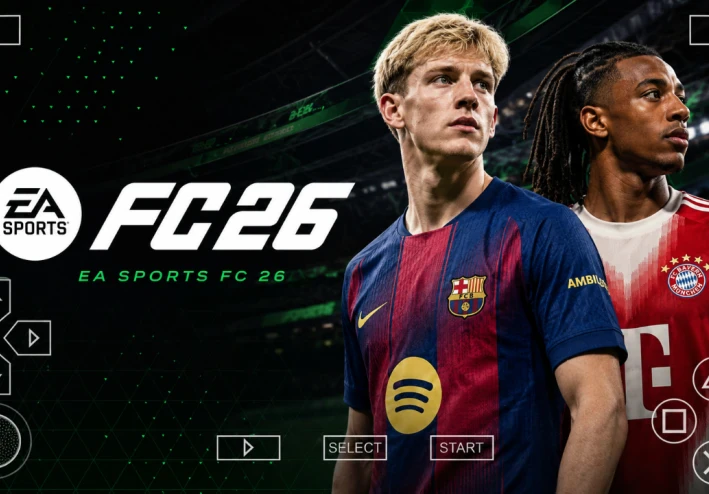
The world of mobile football gaming is shifting rapidly, but there is one platform that remains a sanctuary for hardcore fans: the PPSSPP emulator. While official mobile games move toward online-only models and heavy microtransactions, the community-driven EA Sports FC 26 PPSSPP offers a refreshing, offline, and customizable experience. This latest update, often referred to by fans as FIFA 2026 PPSSPP, brings the modern aesthetic of next-gen consoles directly to your Android device.
Whether you are a long-time fan of the classic FIFA PSP series or a newcomer looking for a high-quality football game that doesn't require a constant internet connection, this update is a game-changer. Featuring the highly anticipated PS5 camera angle, updated 2025/2026 rosters, and polished graphics, it bridges the gap between retro hardware and modern football standards. At Eslam Gaming, we’ve spent hours testing this build to ensure it delivers the performance and realism you expect.
In this comprehensive guide, we will dive deep into what makes this version special, how the new camera angles change the way you play, and provide a foolproof installation guide to get you on the pitch in no time. 🎮
Game Overview: What is EA Sports FC 26 PPSSPP?
At its core, EA Sports FC 26 PPSSPP is a specialized modification of the classic PSP football engine (originally built on FIFA 14). However, calling it a simple "mod" doesn't do it justice. The developers have completely overhauled the user interface, player textures, and squad lists to reflect the upcoming 2025-2026 football season.
- Platform: Android, PC, and iOS (via PPSSPP Emulator)
- Internet Requirement: 100% Offline
- Game Type: Sports / Football Simulation
- Best For: Players with mid-range or low-end devices who want a premium football experience without the "Pay-to-Win" mechanics of modern mobile apps.
This game is perfect for gamers who miss the depth of a traditional Career Mode. Unlike the mobile versions found on the Play Store, this version focuses on the tactical side of football. You get full control over your team’s transfers, formations, and match-day strategies. The addition of the PS5 Camera perspective is the "cherry on top," providing a wide-angle view that allows you to see the entire pitch, just like you would on a PlayStation 5 or Xbox Series X.
Key Features of the Game
What sets this update apart from previous iterations? Let’s break down the most significant features that make fifa 2026 ppsspp android offline ps5 camera a must-download:
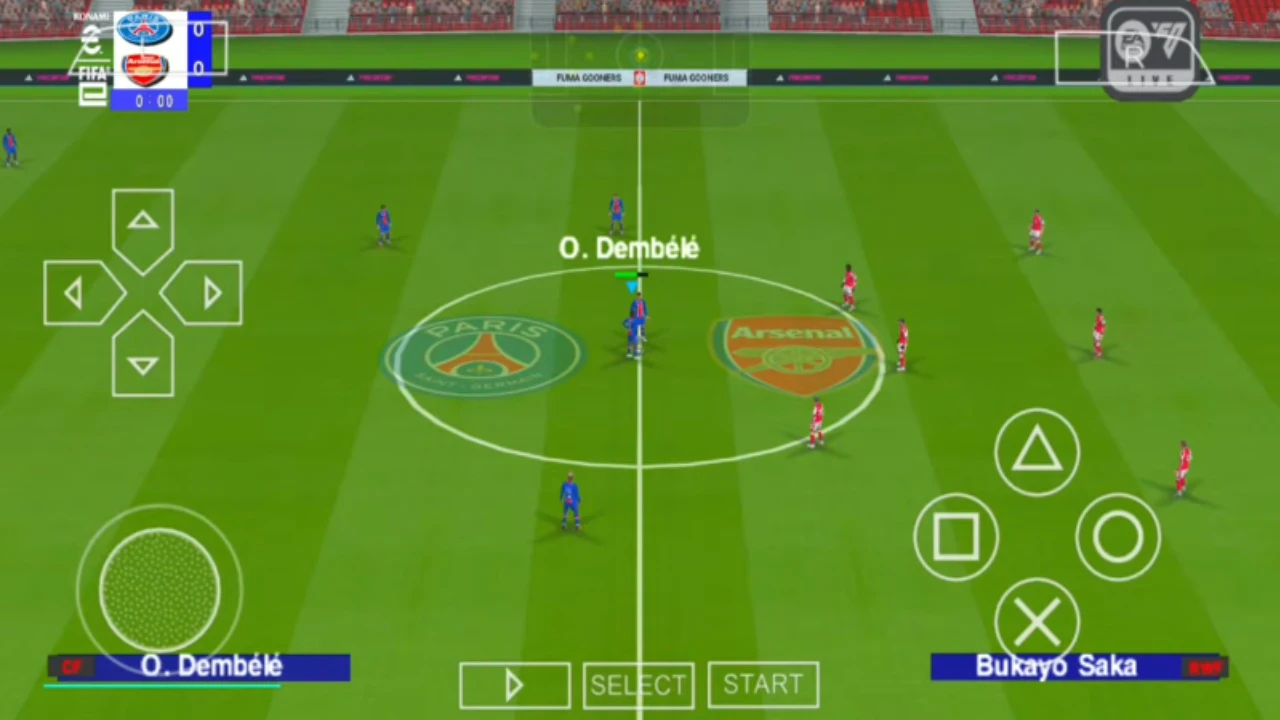
- Next-Gen PS5 Camera Angle: This is the most requested feature. The default PSP camera was often too close to the action, limiting your vision. The new PS5 camera mod provides a distant, wide view, making it easier to spot open teammates for long diagonal balls and cross-field switches.
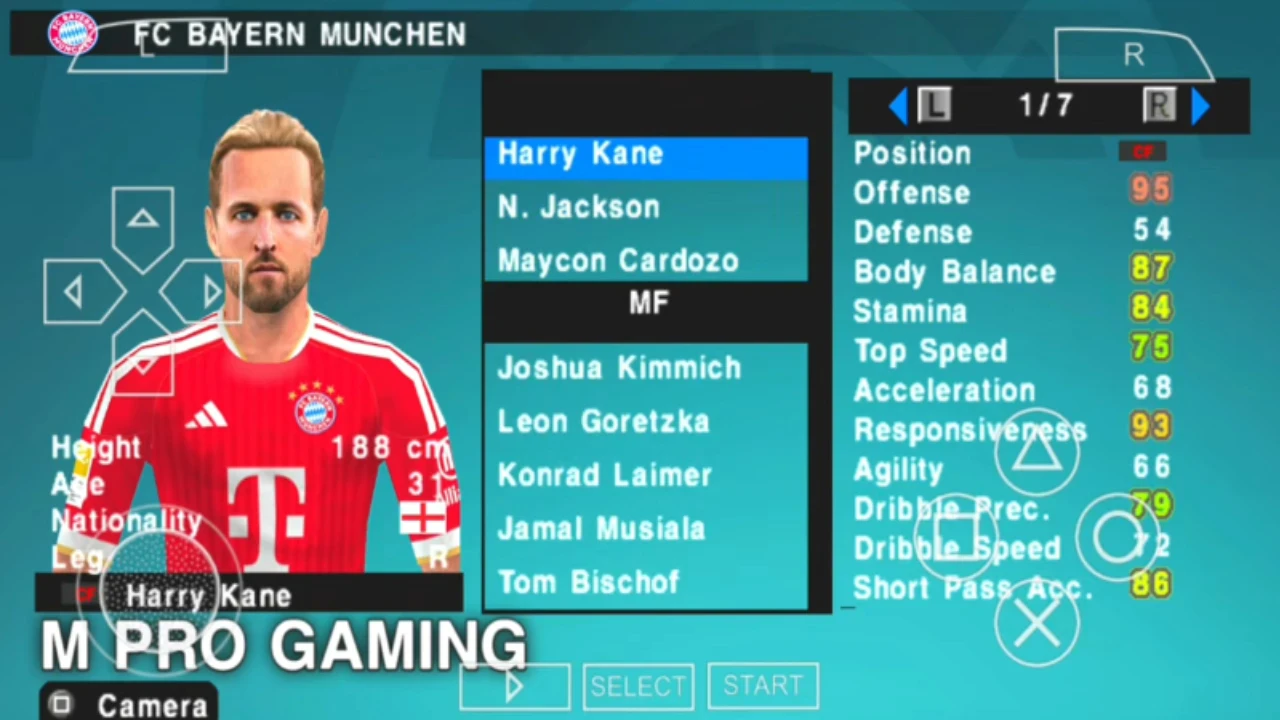
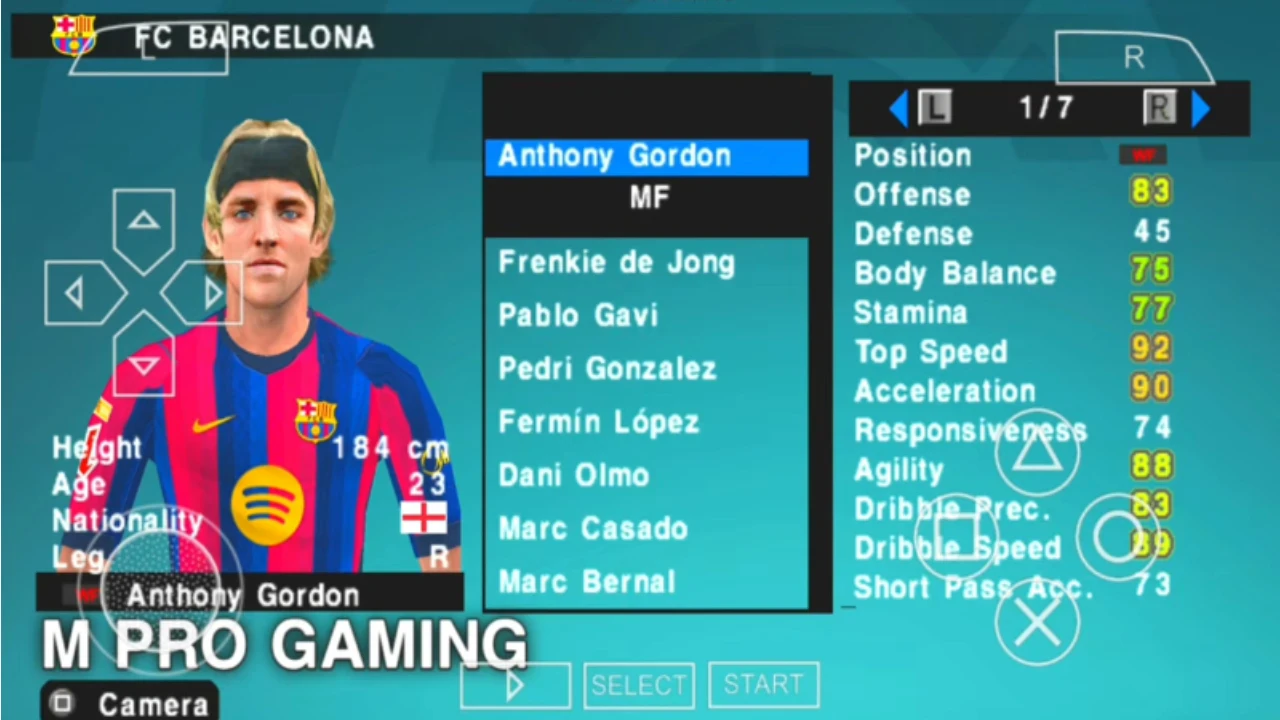
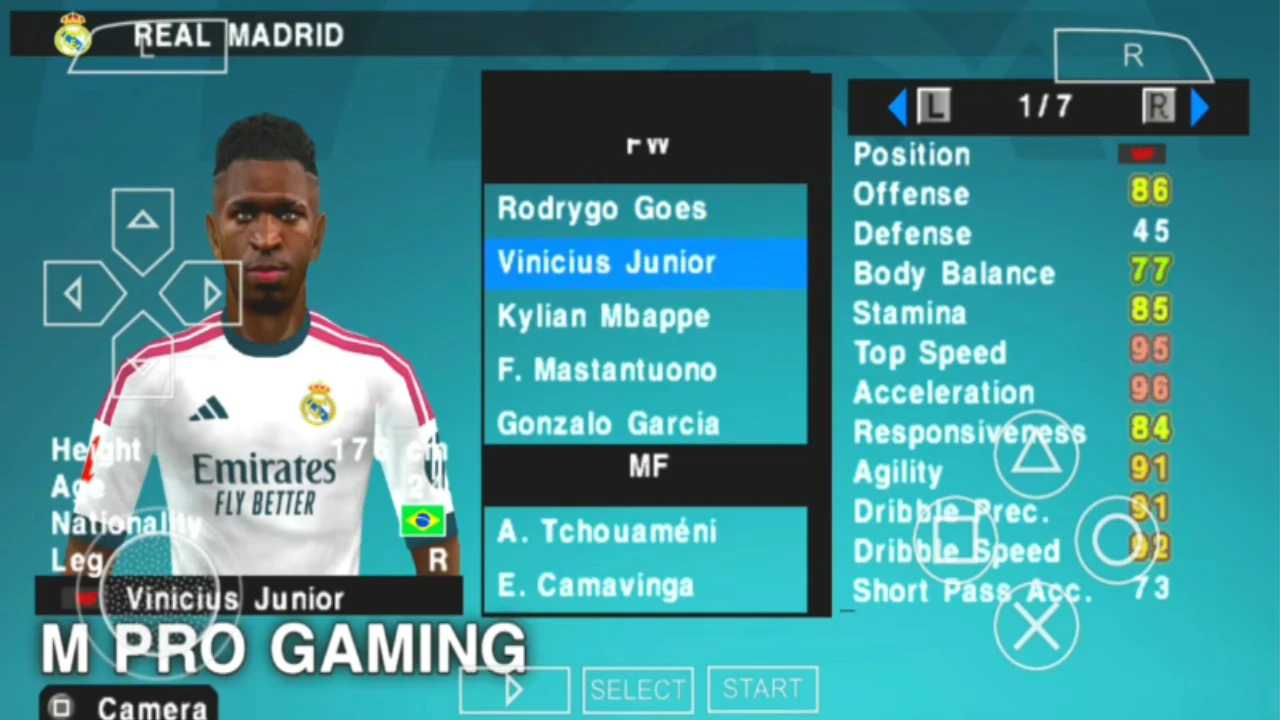
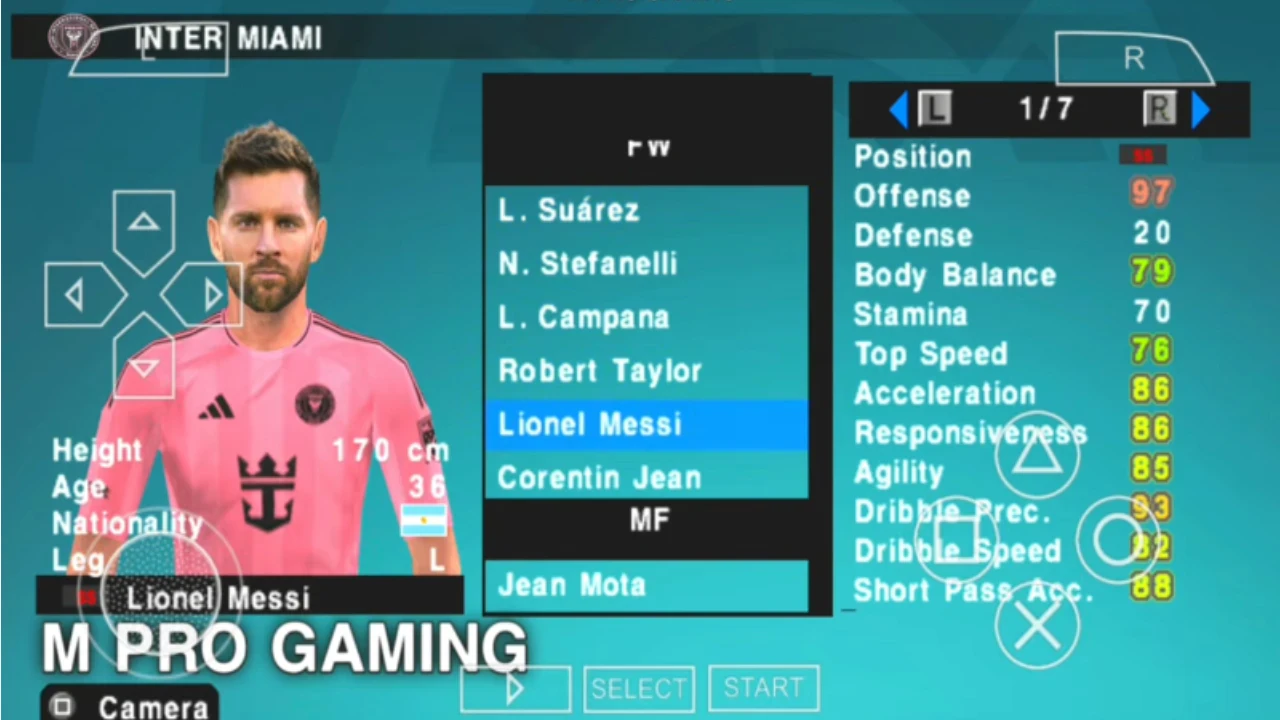
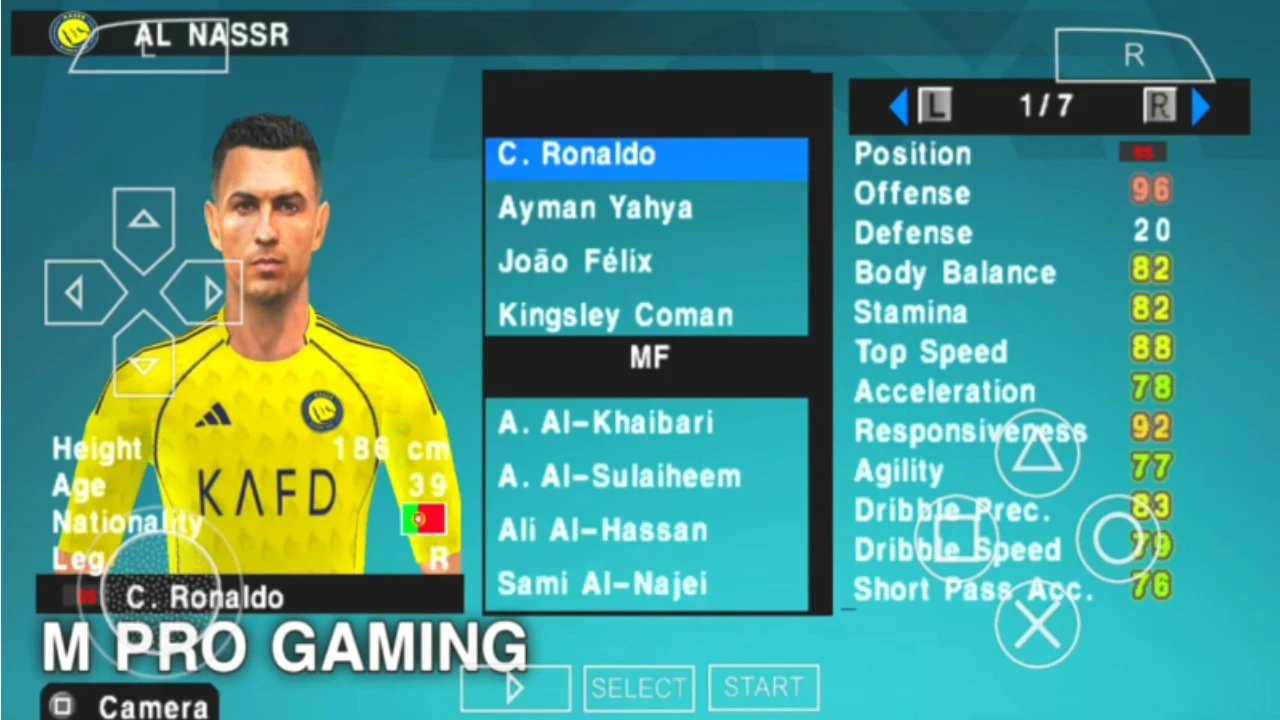
- Updated 2025/2026 Transfers: From Kylian Mbappé’s settled role at Real Madrid to the latest wonderkids emerging in the Premier League, the rosters are fully updated. You won't have to worry about outdated lineups.
- High-Definition Textures (4K Graphics): While the PSP has hardware limitations, the "Textures" folder included in this download replaces standard kits and faces with high-resolution versions. Player faces look sharper, and the grass on the pitch features a more realistic green hue.
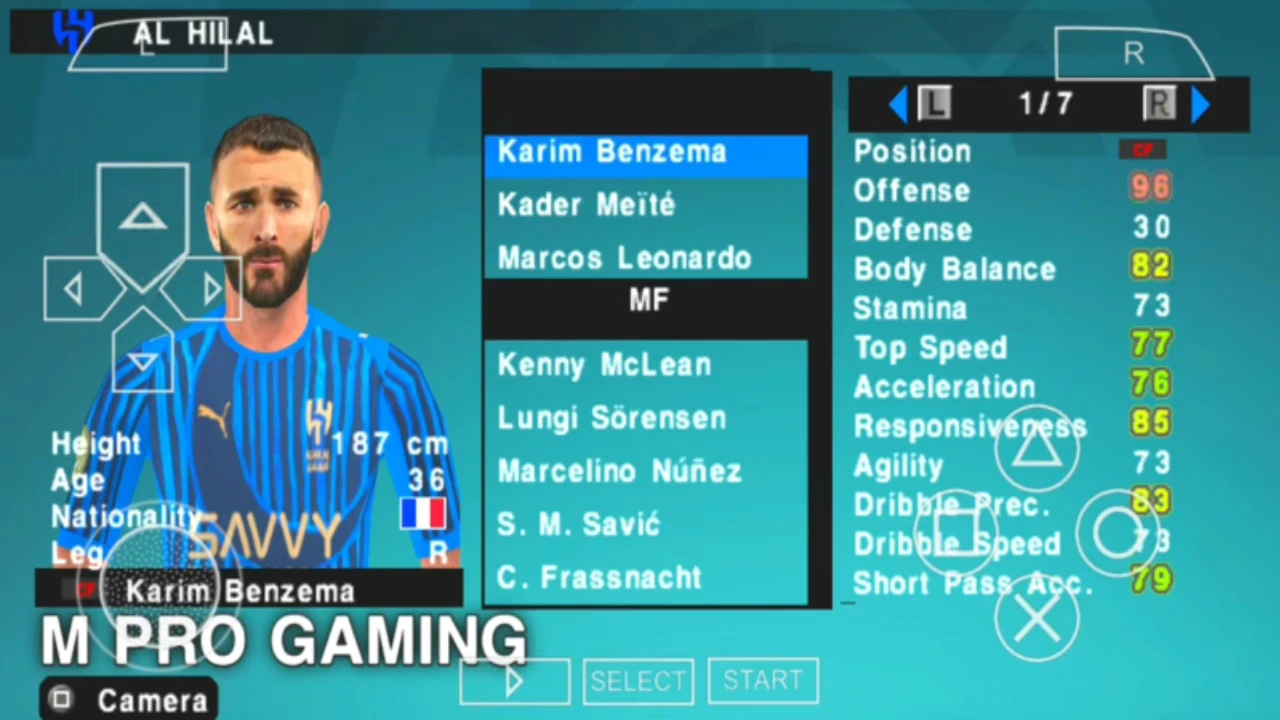
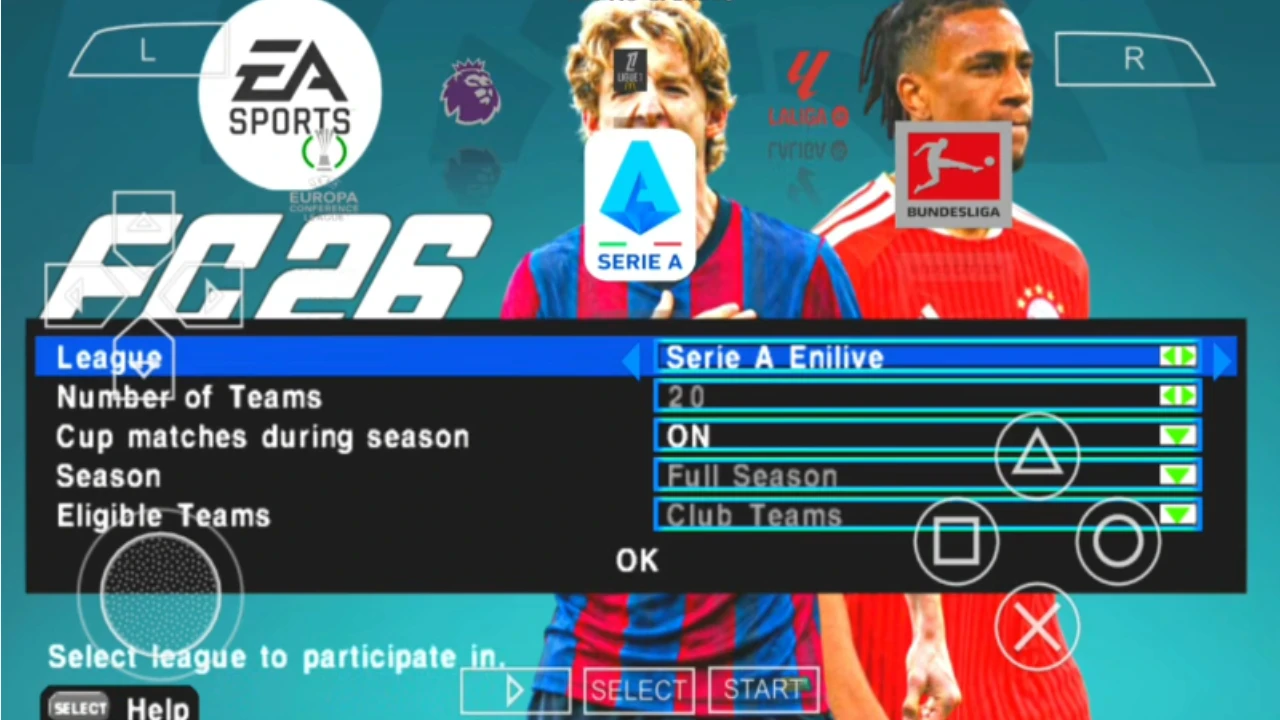
- Authentic Kits and Logos: Every major club now features their 2025/26 home, away, and third kits. The logos for competitions like the UEFA Champions League, Premier League, and Saudi Pro League have been updated to the latest branding.
- Enhanced Crowd and Atmosphere: New sound files have been integrated to provide better stadium chants and more reactive crowd noise, making big derby matches feel much more intense.
- Improved Ball Physics: The ball weight has been tweaked to feel less "floaty." Long shots have more power, and short passes require more precision, adding a layer of realism to the gameplay.
Gameplay Experience & Mechanics
Playing EA Sports FC 26 PPSSPP feels like a trip down memory lane, but with a modern coat of paint. The controls are responsive, utilizing the classic PSP button layout (Circle for crossing/sliding, Square for shooting, Triangle for through balls, and X for passing).
The Controls and Feel
If you are using a touch screen, the PPSSPP on-screen buttons are highly customizable. However, for the best experience, we recommend using a Bluetooth controller. The analog stick sensitivity in this version has been refined, allowing for better 360-degree movement, which is vital for dribbling through tight defenses.
Difficulty and AI
The AI has seen a slight logic update. In higher difficulty settings like "Legendary," the computer-controlled teams are much more disciplined. They will hold possession, look for gaps in your defense, and even waste time at the corner flag if they are winning in the final minutes.
Sound and Atmosphere
The commentary remains a classic feature, with familiar voices calling out the action. While it doesn't have the "dynamic" commentary of modern $70 games, it provides enough context to keep you immersed. The menu music has also been refreshed with a soundtrack that mimics the "Vibe" of modern EA Sports FC titles. 🎶
Game Modes & Content
One of the reasons fans prefer the PPSSPP version over the official FC Mobile app is the variety of deep, offline modes.
- Manager Mode (Career Mode): This is the heart of the game. Choose your favorite club, manage the budget, scout for youth talent, and lead your team to league glory. The transfer market logic is surprisingly robust for a portable game.
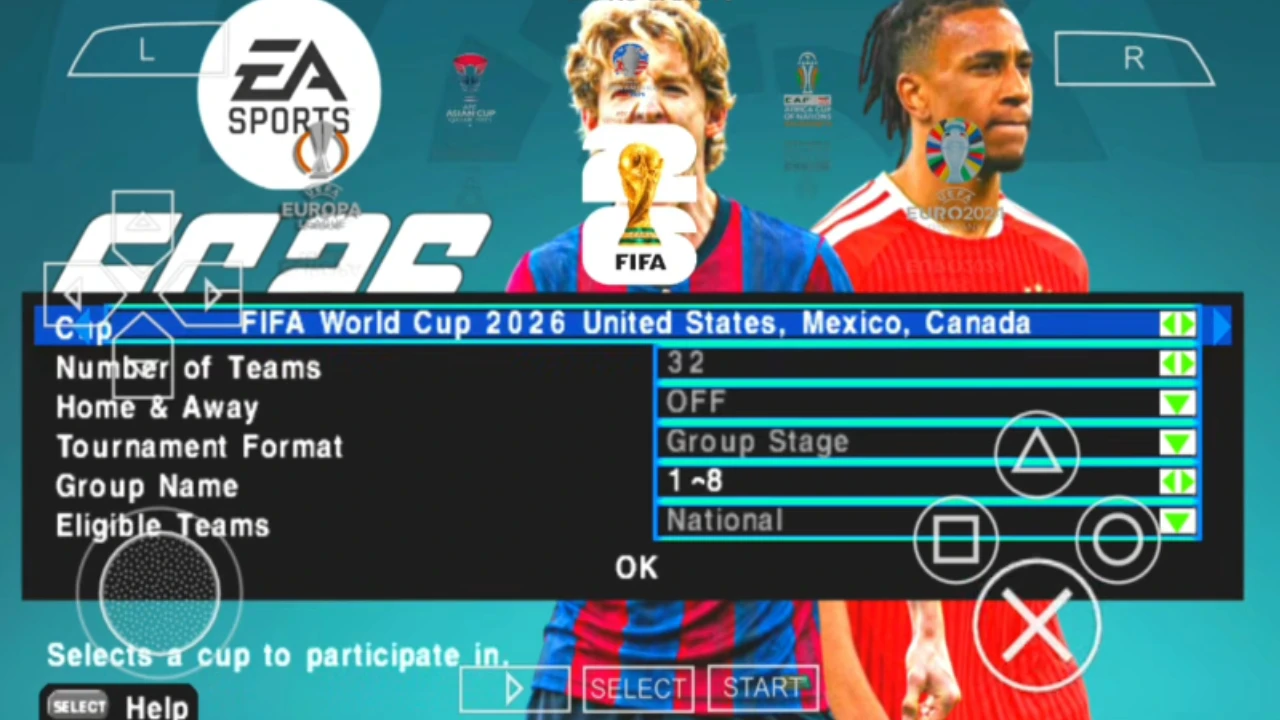
- Tournament Mode: Want to play a quick World Cup or Champions League? This mode allows you to jump straight into the knockout stages or group phases of the world’s biggest competitions.
- Be A Pro: Control a single player throughout their career. Start as a benchwarmer and work your way up to becoming a club legend.
- Exhibition Match: Perfect for a quick 5-minute game while you're on a break. You can choose any two teams in the game, including "All-Star" squads.
- Training Ground: Practice your free kicks, penalties, and corner routines to master the new ball physics.
System Requirements
The beauty of the EA Sports FC 26 PPSSPP is its accessibility. You don't need a flagship phone to run this game smoothly.
| Component | Minimum Requirements | Recommended Requirements |
| Operating System | Android 7.0 (Nougat) | Android 11.0 or higher |
| RAM | 2 GB | 4 GB or more |
| Processor | Quad-core 1.5 GHz | Octa-core 2.0 GHz+ (Snapdragon/Helio) |
| Free Storage | 1.5 GB | 3 GB (for Textures & Save Data) |
| Emulator | PPSSPP Standard | PPSSPP Gold (v1.17+) |
| Graphics | OpenGL ES 2.0 | Vulkan Support |
How to Download and Install the Game
Installing the ea sports fc 26 ppsspp android download apk (which is actually an ISO file + Emulator) requires a few specific steps. Follow this guide carefully to ensure you don't encounter any errors.
Step 1: Download the Necessary Files
You will typically need three main files:
- The ISO File: This is the actual game disc image.
- Save Data: This contains the updated rosters and unlocked items.
- Textures: This provides the 4K graphics and PS5 camera mods.
Step 2: Install the PPSSPP Emulator
Download the PPSSPP Emulator from the Google Play Store or the official website. Install it on your device but don't open it yet.
Step 3: Extract the Files
Using a file manager like ZArchiver, locate your downloaded files.
- Extract the ISO file to a folder named "PSP/GAME".
- Extract the Save Data folder to "PSP/SAVEDATA".
- Extract the Textures folder to "PSP/TEXTURES".
Step 4: Configure the PS5 Camera
To ensure the ea sports fc 26 ppsspp camera ps5 works correctly, you must go into the PPSSPP settings:
- Go to Settings > System > Language.
- Set the language to Español (Castellano) or English, depending on the specific mod instructions (many mods require Spanish for the textures to load correctly).
- Enable "Replace Textures" under the Tools > Developer Tools menu.
Step 5: Launch the Game
Open the PPSSPP emulator, navigate to the "Games" tab, find the PSP folder, and click on the EA Sports FC 26 icon. Enjoy! ⚽
Common Problems & Fixes
Even with a perfect installation, you might run into some hurdles. Here is how to solve them:
- Black Screen on Startup: This is usually caused by an incorrect language setting. Change the emulator language to "Español (Castellano)" or "English (US)".
- Game Lag or Slow Motion: Go to Graphics Settings and enable "Skip Buffer Effects" (Non-buffered rendering). Also, set "Frame Skipping" to 1 if your device is low-end.
- Missing Kits or Names: This means your Textures or Save Data folders are in the wrong place. Ensure they are in the internal storage /PSP/ directory and not on an external SD card unless configured correctly.
- App Crashing: Ensure you are using the latest version of the PPSSPP emulator. Older versions may not support modern texture replacement methods.
Tips & Tricks for Better Gameplay
To truly dominate the pitch in fifa 2026 ppsspp, you need to adapt to the PSP engine's unique quirks.
- Master the Low Driven Shot: In this version, holding the shoot button while tapping the through-ball button (on some configurations) or simply keeping the power bar low results in a deadly low shot that keepers find hard to save.
- Use the PS5 Camera to Your Advantage: Since you can see more of the pitch, don't just focus on the player with the ball. Watch the runs of your wingers on the far side of the screen; a long lobbed through ball is often the most effective way to break a defense.
- Defensive Discipline: Don't pull your center-backs out of position. The AI is very good at exploiting gaps. Instead, use your midfielders to chase the ball and only switch to defenders at the last moment.
- Customize Your Tactics: Before the match, go to the Team Management screen. Adjust your "Custom Tactics" to high pressure if you are losing, or "Counter Attack" if you are playing against a much stronger team.
Is This Game Worth Downloading?
The Verdict: Absolutely.
If you are a fan of football and own an Android device, EA Sports FC 26 PPSSPP is one of the best offline experiences you can find. It offers a depth of gameplay that modern "card-collecting" mobile games simply cannot match.
Who should download this?
- Players who want to play football without needing Wi-Fi or Data.
- Gamer who enjoy managing a team through multiple seasons.
- Fans of the classic PSP/PS2 era of football games.
- Users with limited storage or mid-range phones.
Who should skip this?
- Players who only care about online multiplayer and social features.
- Those who demand "Ray-Tracing" and console-level 100% realistic graphics.
Ultimately, for a free, community-led project, the level of detail in the ea sports fc 26 ppsspp camera ps5 android update is staggering. It’s a labor of love that keeps the spirit of handheld football alive.
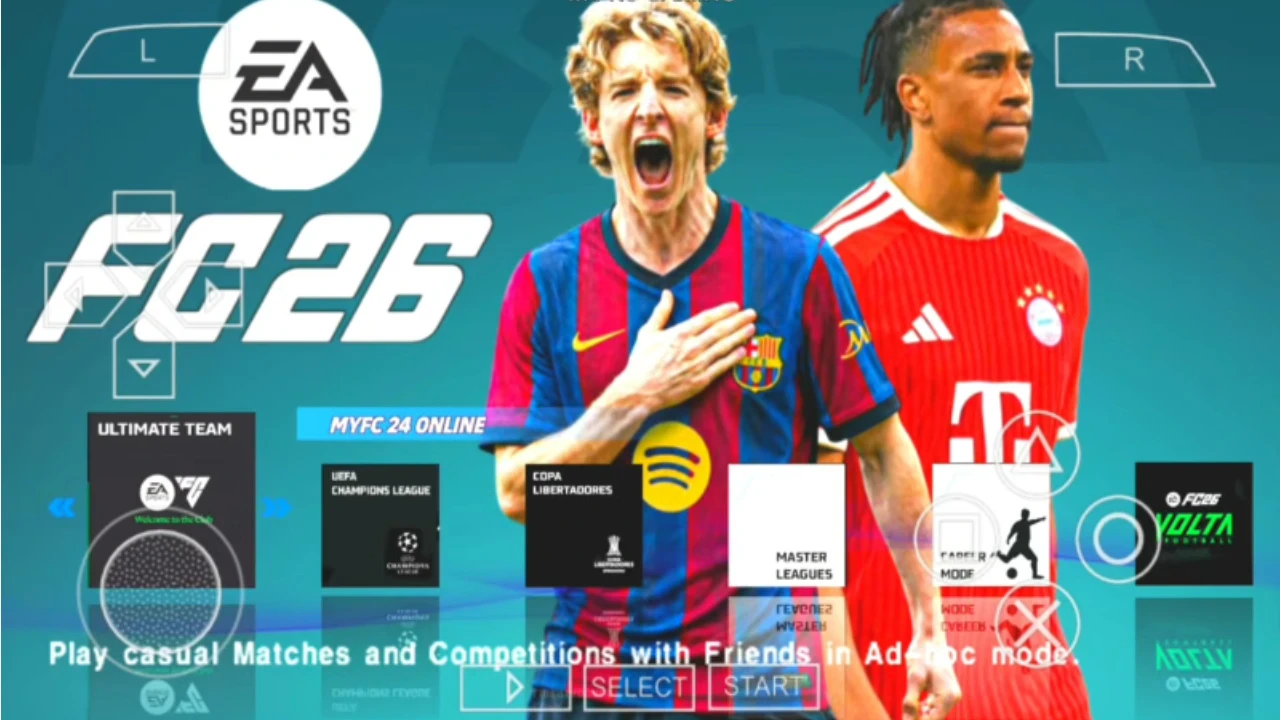
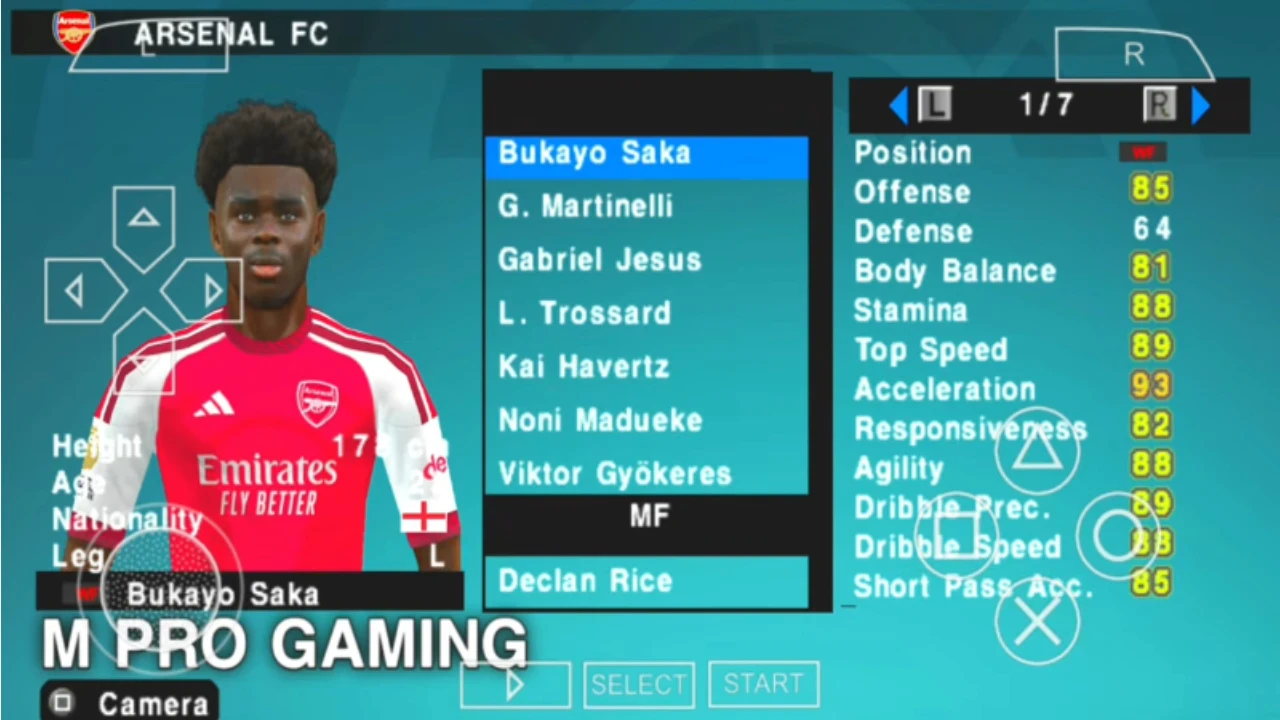
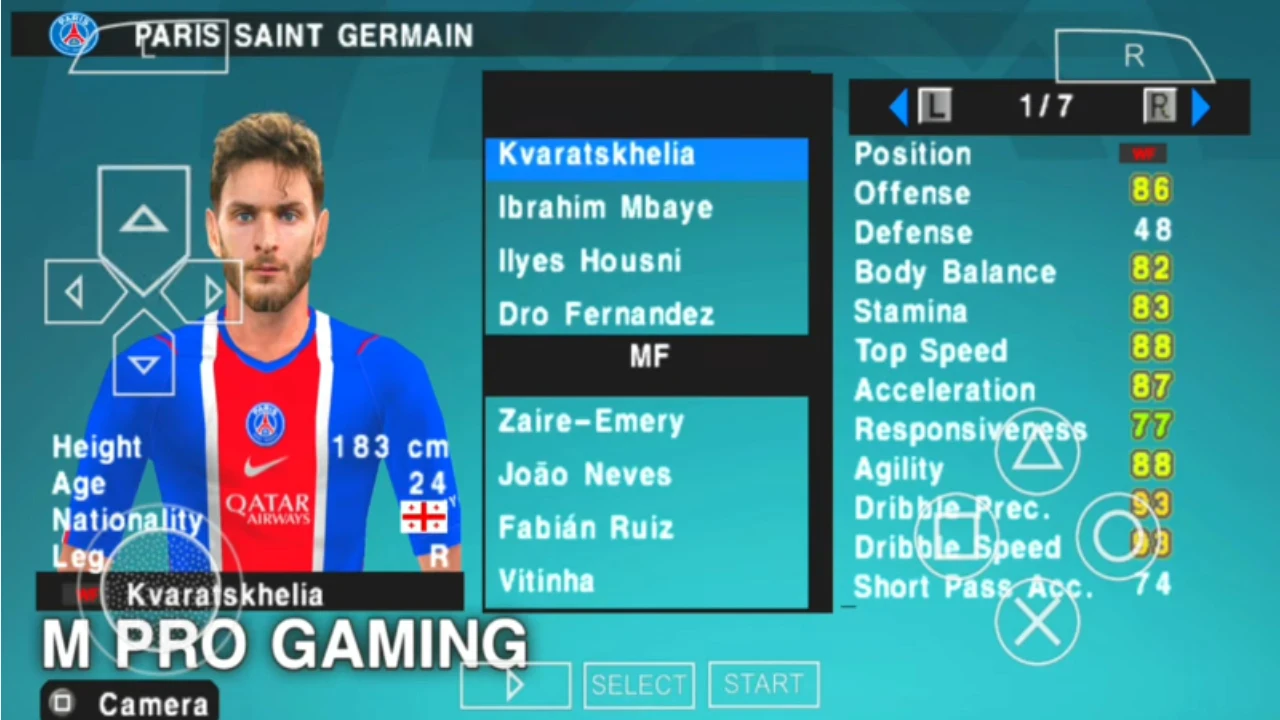
Images from inside the game

FAQ: Frequently Asked Questions
Q1: Can I play EA Sports FC 26 PPSSPP with my friends?
A: While the game is primarily offline, you can play local multiplayer using the "Ad-Hoc" feature in the PPSSPP emulator if both players are on the same Wi-Fi network.
Q2: Will this game work on a 2GB RAM phone?
A: Yes! However, you may need to turn off some high-resolution textures and use "Frame Skipping" in the settings to maintain a smooth 30 or 60 FPS.
Q3: How do I update the rosters when new transfers happen?
A: You don't need to download the whole game again. You can simply download a new "Save Data" file and replace your old one in the PSP/SAVEDATA folder.
Q4: Is it safe to download these files?
A: When downloading from Eslam Gaming, we ensure our guides focus on clean, verified files. Always be careful of sites that ask you to fill out surveys or download "installers" before giving you the ISO.
Q5: Why are the players' names wrong?
A: This happens if the Save Data isn't loaded. Make sure the folder ULUS or ULES (followed by numbers) is placed correctly inside the PSP/SAVEDATA directory.
Q6: Does it have the Saudi Pro League?
A: Yes, most modern updates for FC 26 PPSSPP include the Saudi Pro League with stars like Ronaldo, Neymar, and Benzema fully updated.
Final Note: At Eslam Gaming, we believe in providing honest and practical advice for gamers. This PPSSPP version of FC 26 is a testament to what a dedicated community can do. Download it, set up your PS5 camera, and enjoy the beautiful game wherever you are! ⚽🏃♂️
The game download link is split into 3 MediaFire links, available here 👇
👇PASSWORD👇
mprogaming.com
Keep up with Eslam Gaming
Choose site notifications, email, or both. Guests can subscribe by email without an account.
Report this article
Tell our review team about a problem with this content. Your details will not be shown to the author or other readers.
Your report could not be sent. Please try again later.
Sign in to report an article



Discussion
comments (0)
Share a perspective. Start a thoughtful conversation.
please login to be able to comment