

In this article
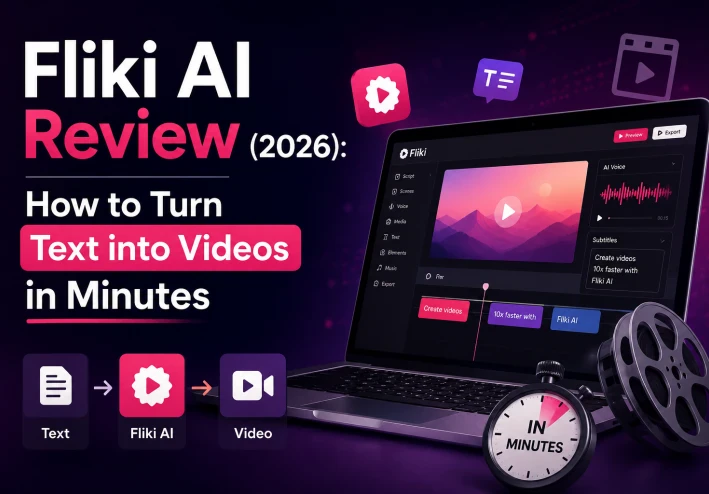
If you are a content creator, a marketer, or someone looking to start a YouTube channel without showing your face, you’ve probably heard about AI video generators. Today, we are diving deep into one of the most talked-about tools this year: Fliki AI.
In this honest Fliki AI review, we will explore what this tool can do, how to use it step-by-step, and whether it’s actually worth your time and mone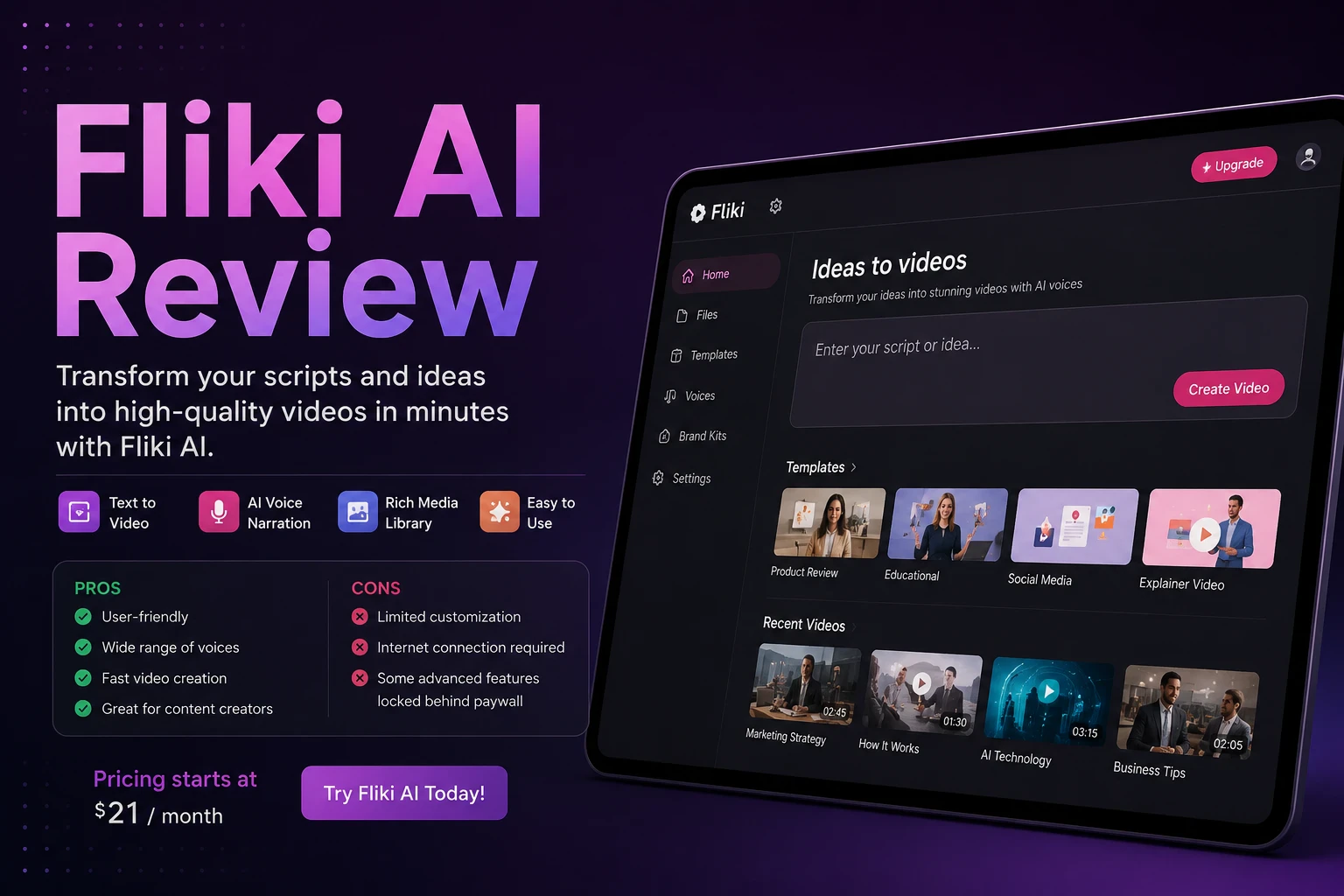 .
.
What is Fliki AI?
In simple terms, Fliki AI is a cloud-based software that allows you to convert text—like a blog post, a script, or a tweet—into a fully finished video with realistic AI voices, premium stock footage, and automatic subtitles.
Unlike traditional video editing software that requires hours of cutting and syncing, Fliki does the heavy lifting for you in under two minutes.
Key Features That Make Fliki Stand Out
Ultra-Realistic AI Voices: Fliki offers over 2000 human-like voices in 85+ languages. They don't sound like robots; they include natural pauses and emotions.
Idea-to-Video Creator: You just type a simple prompt (e.g., "Create a video about healthy breakfast ideas"), and the AI writes the script and finds the footage for you.
Massive Media Library: You get access to millions of premium images, video clips, and background music tracks without worrying about copyright issues.
Step-by-Step Guide: How to Use Fliki AI
Here is a quick, practical walkthrough on how to create your very first video using Fliki:
Step 1: Create a New Project
Log in to your dashboard and click on "New File". Choose whether you want to create just "Audio" (like a podcast) or a full "Video". Give your file a name and select your language.
Step 2: Input Your Text or Prompt
You have two choices here. You can either paste a script you already wrote, or use the "Idea-to-Video" feature where you just type a short topic description and let Fliki's AI generate the scenes.
Step 3: Customize Voices and Media
Fliki will automatically match your text with relevant video clips. If you don't like a specific clip, just click on it and choose another one from the media library. You can also click on the voice name to change the accent, gender, or tone.
Step 4: Export and Download
Once you click the preview button and like what you see, hit "Export". Once the rendering is complete, you can download your MP4 video file directly to your device.
Fliki AI: Pros and Cons
Like any other tool, Fliki isn't perfect. Let's look at the good and the bad.
| Disadvantages | Advantages |
|---|---|
Super easy to use for beginners | The free plan has watermarks on videos |
Extremely fast video rendering | High-end customization is limited compared to Premiere Pro |
Saves hundreds of dollars on voice actors | Some niche topics might require manual media adjustments |
Final Verdict: Is Fliki AI Worth It?
If your goal is to produce high-quality videos quickly for TikTok, YouTube Shorts, or Instagram Reels, Fliki AI is definitely worth trying. It eliminates the biggest barriers to video creation: expensive equipment, complex editing skills, and camera shyness.
To explore more about their features and see the latest updates, you can check out the official Google Search Console documentation to understand how search engines index multimedia content, or visit the Fliki Official Website to start building your first video today.
Keep up with Elsayed
Choose site notifications, email, or both. Guests can subscribe by email without an account.
Report this article
Tell our review team about a problem with this content. Your details will not be shown to the author or other readers.
Your report could not be sent. Please try again later.
Sign in to report an article






Discussion
comments (0)
Share a perspective. Start a thoughtful conversation.
please login to be able to comment